You haven't signed in yet, you can have a better experience after signing in
*Please complete the payment within {{receiveCouponInfo.expire_at}}Previous use*
You haven't signed in yet, you can have a better experience after signing in


Activity Rules
1、Activity time:{{ info.groupon.start_at }} ~ {{ info.groupon.end_at }}。
1、Activity time:cease when sold out。
2、Validity period of the Group Buying:{{ info.groupon.expire_days * 24 }} hours。
3、Number of Group Buying:{{ info.groupon.need_count }}x。
Please Pay Attention
1、Teamwork process: Join/initiate a Group Buying and make a successful payment - Within the validity period, the number of team members meets the activity requirements - Group Buying succeeded!
2、If the number of participants cannot be met within the valid period, the group will fail, and the paid amount will be refunded in the original way.
3、The number of people required and the time of the event may vary among different products. Please pay attention to the rules of the event.
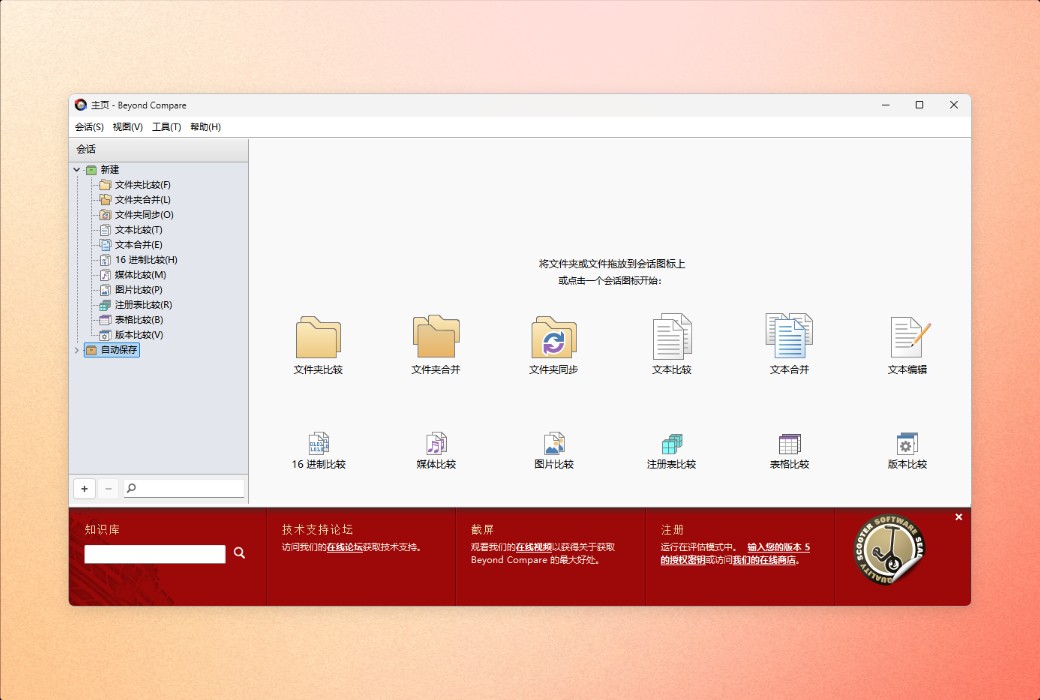
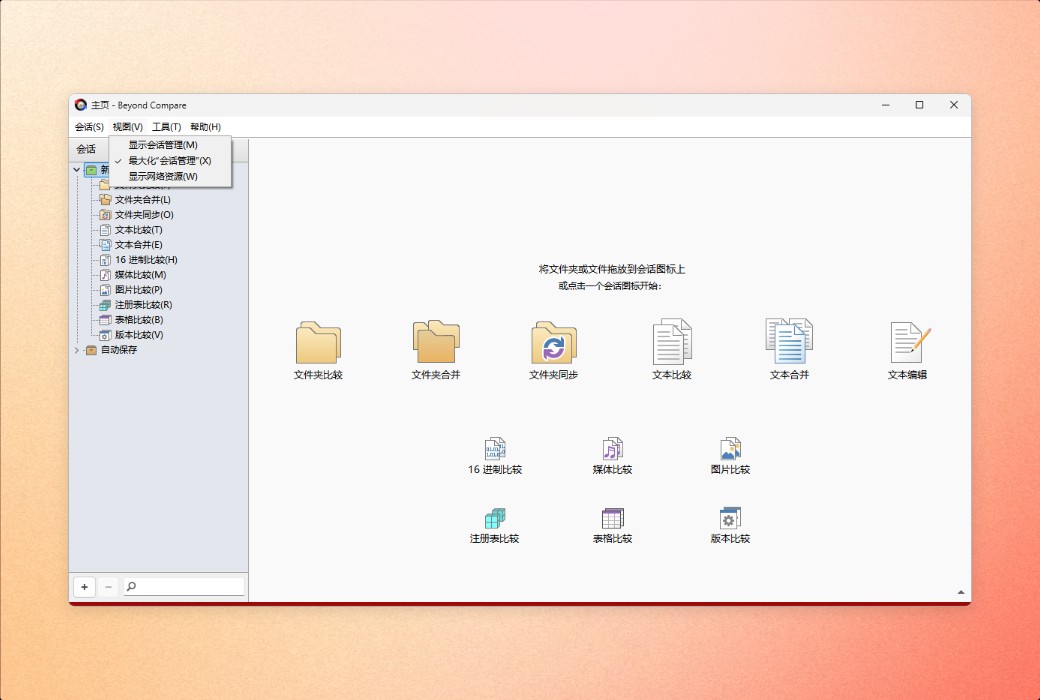
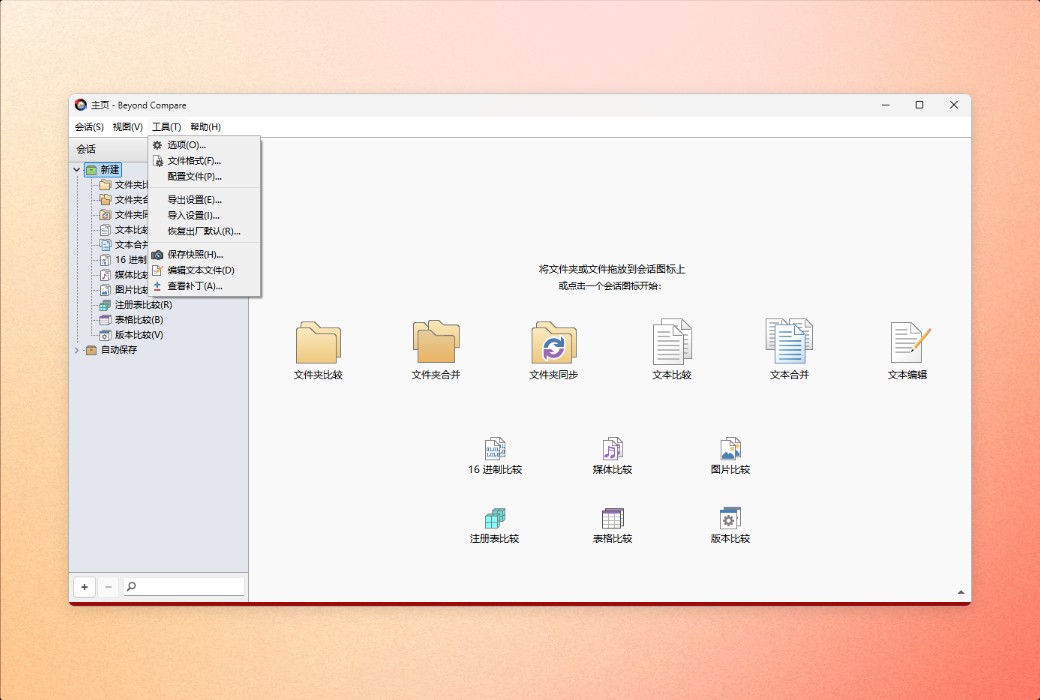
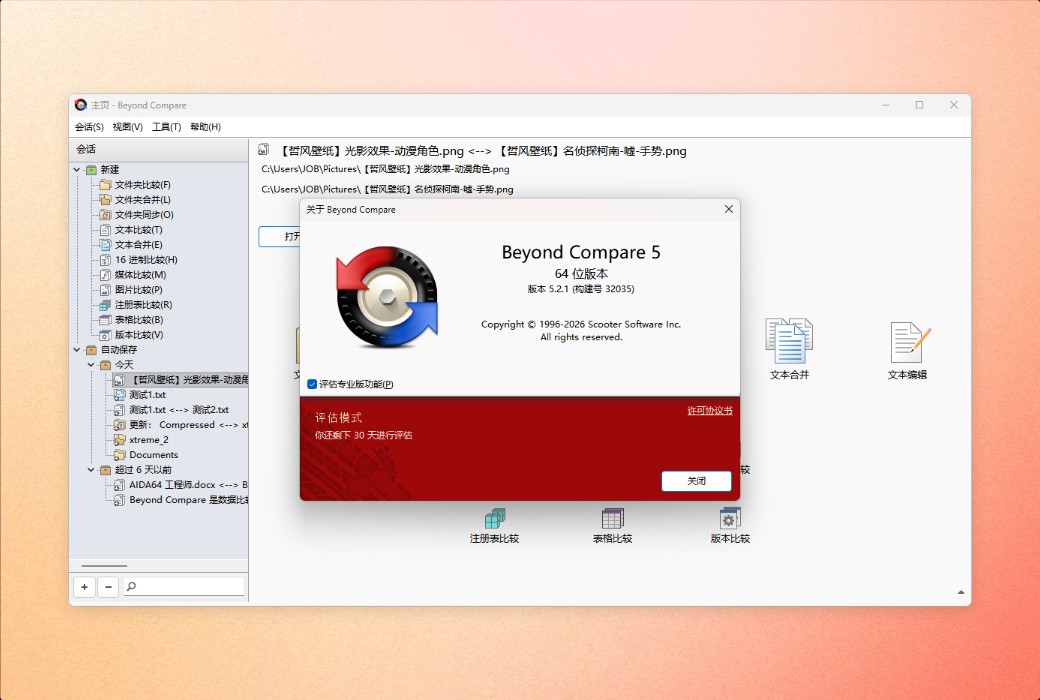
Beyond Compare is a professional choice for data comparison. Compare folders, text files, images, and tables. Efficiently review differences and confidently merge changes.
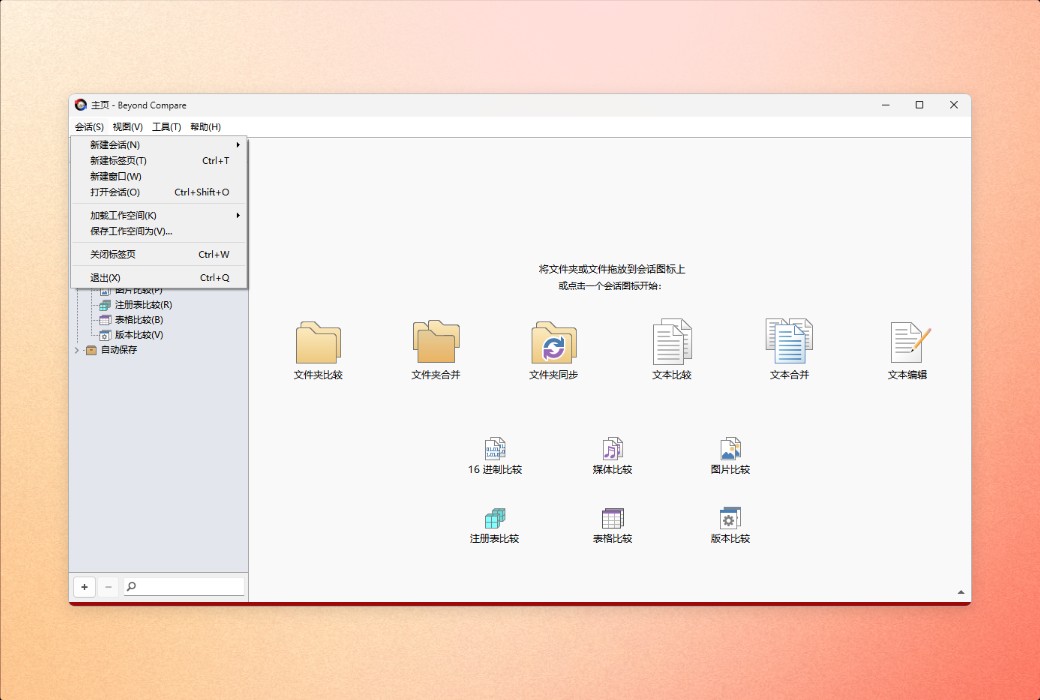
Beyond Compare is a software application used by developers, system administrators, and other personnel for comparing, merging, and synchronizing data. It runs on Windows, macOS, and Linux.
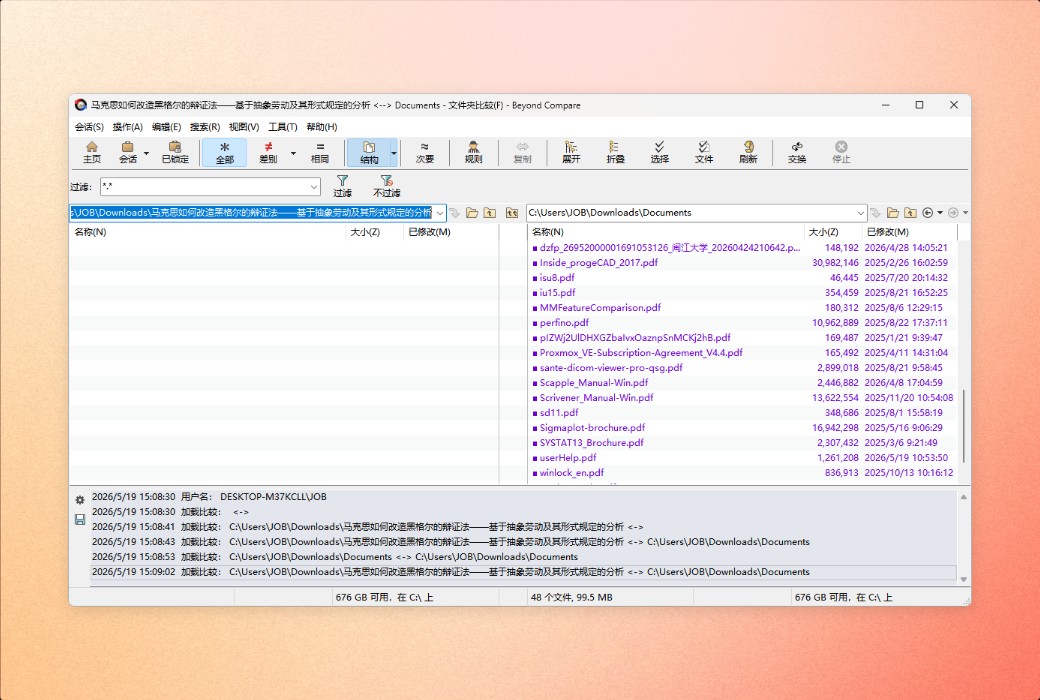
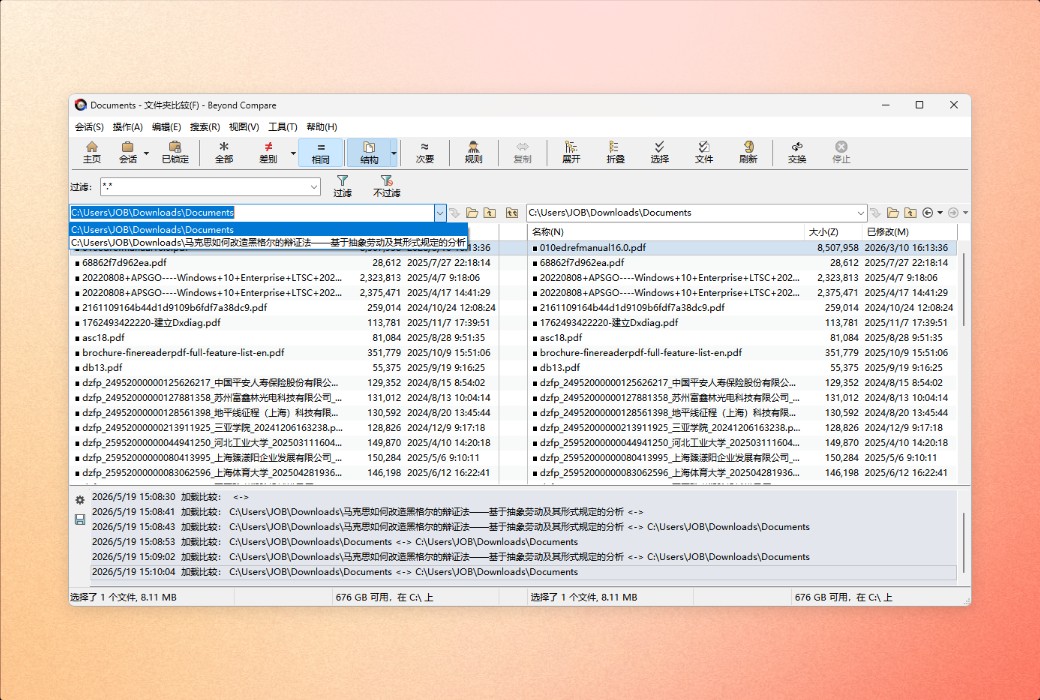
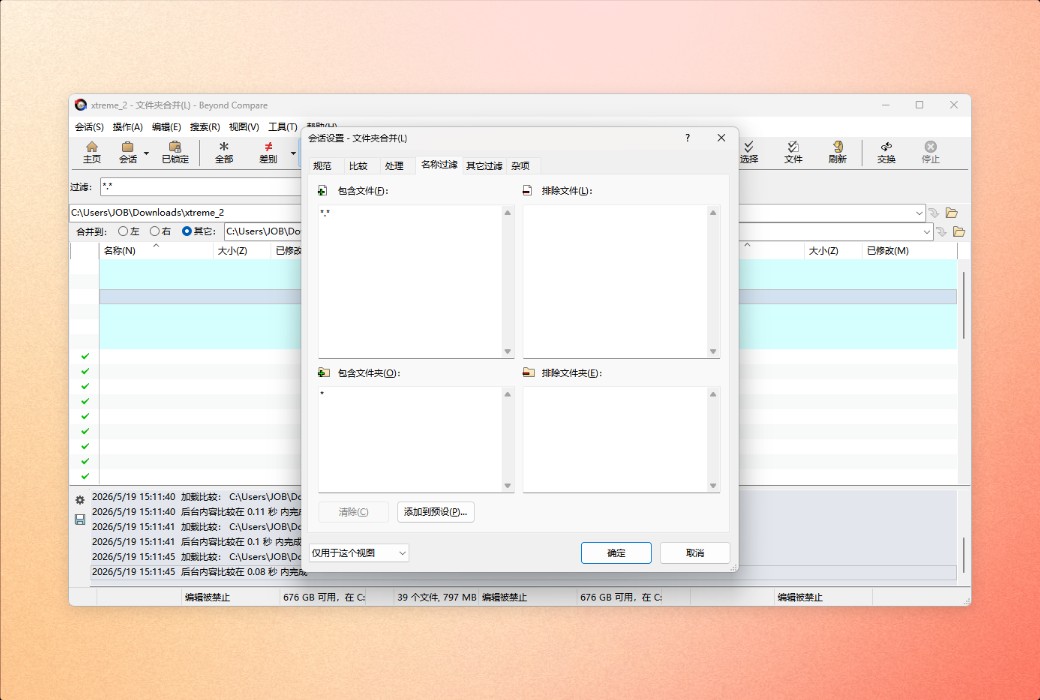
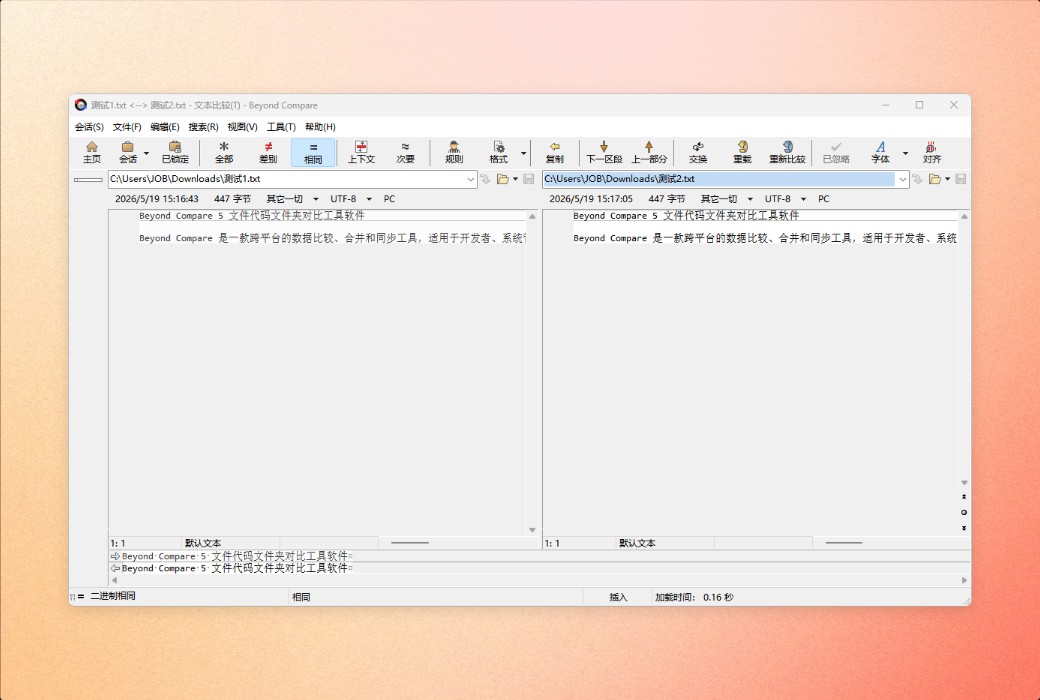
Compare files and folders using simple yet powerful commands, focusing on the differences that interest you and ignoring those that don't.
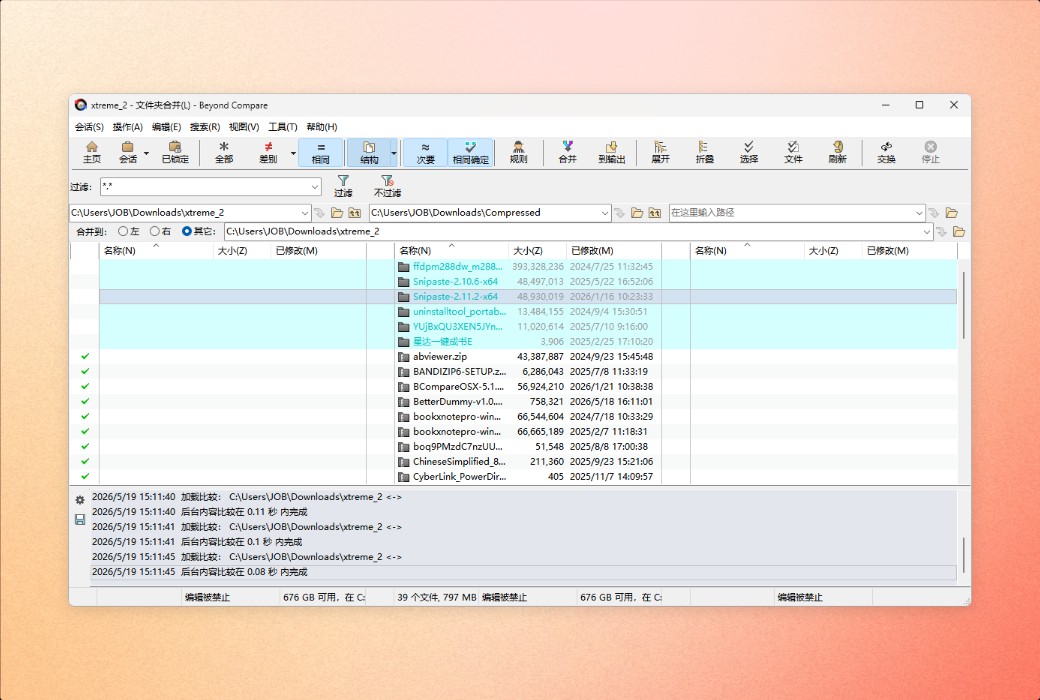
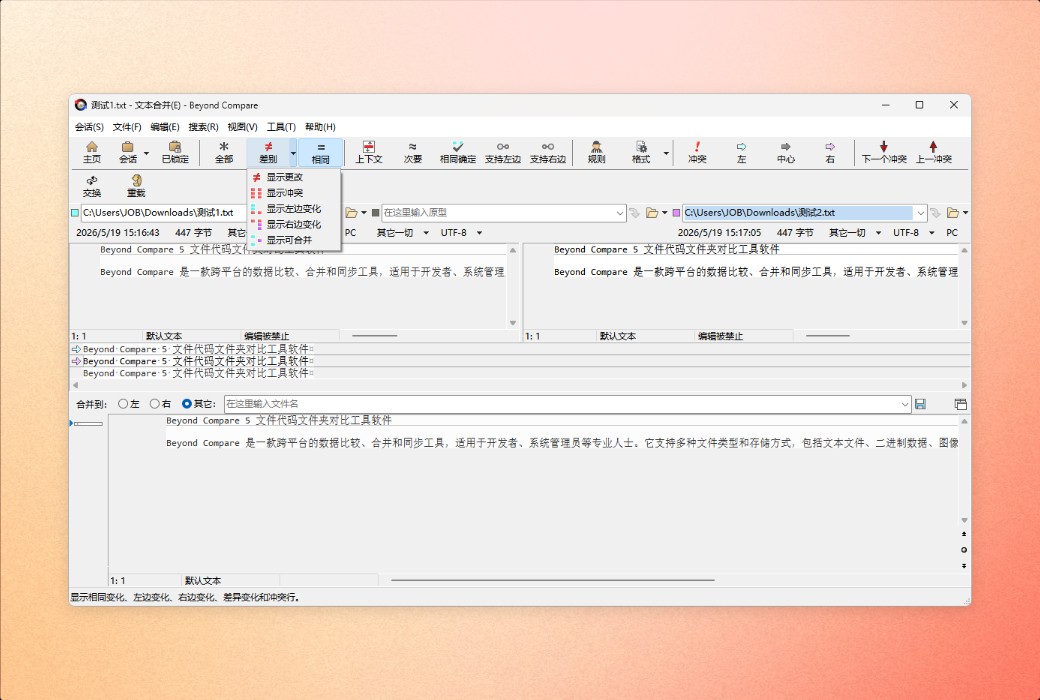
Merge changes from two versions of files or folders into a single output.
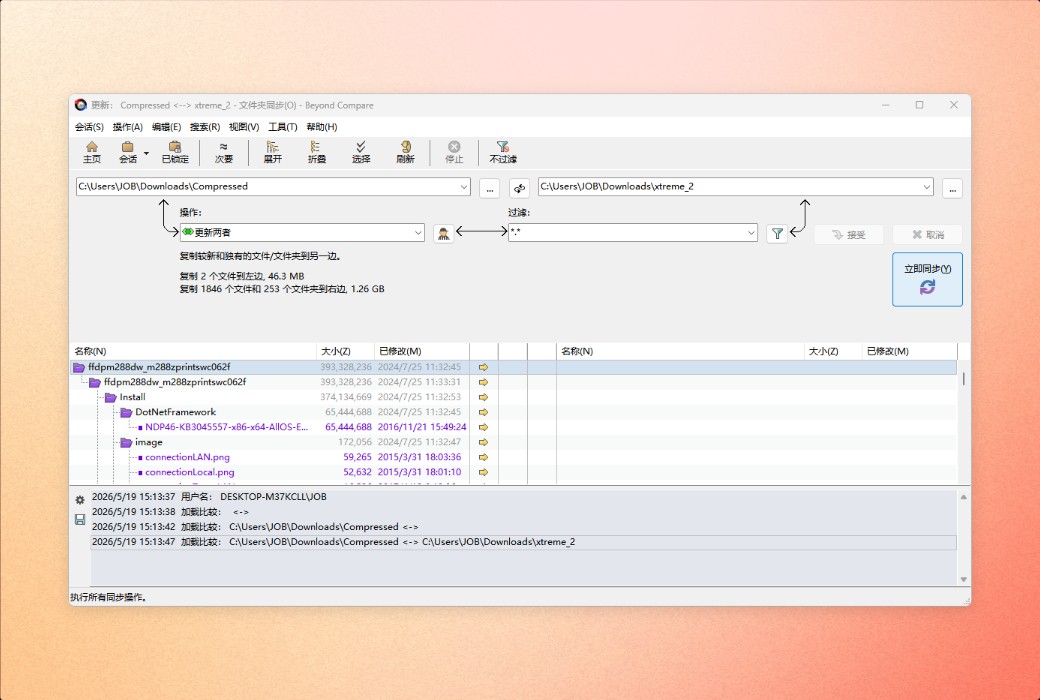
Synchronize your local data, FTP site, and cloud storage.
Compare folders and files
Seamless integration of FTP sites, cloud storage, and zip files, powerful filters allow you to only see content that interests you.
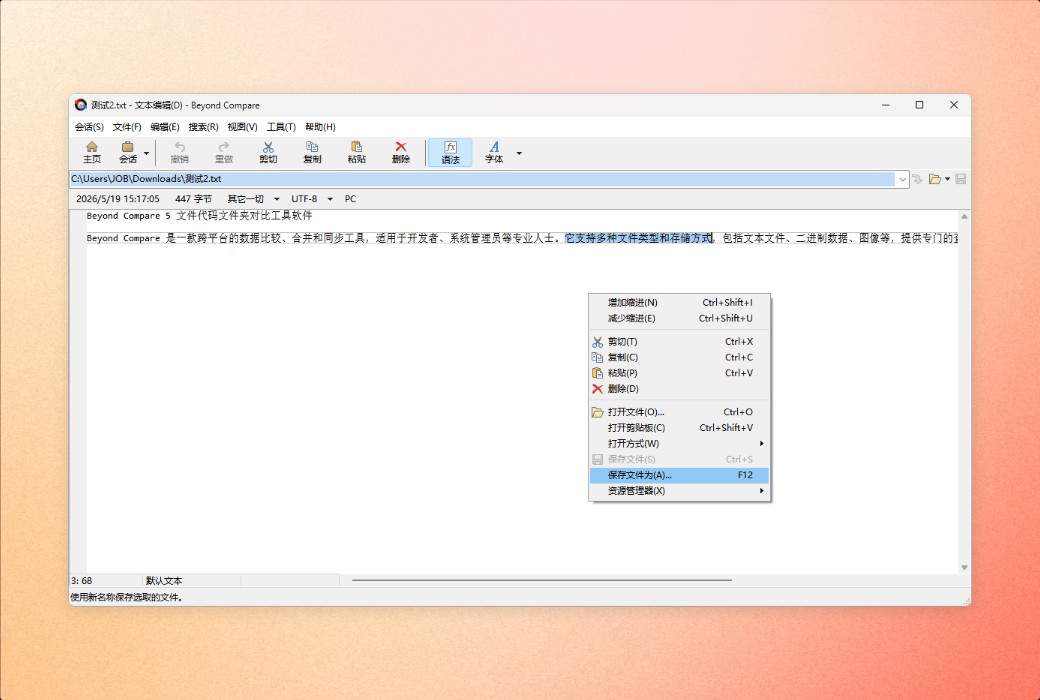
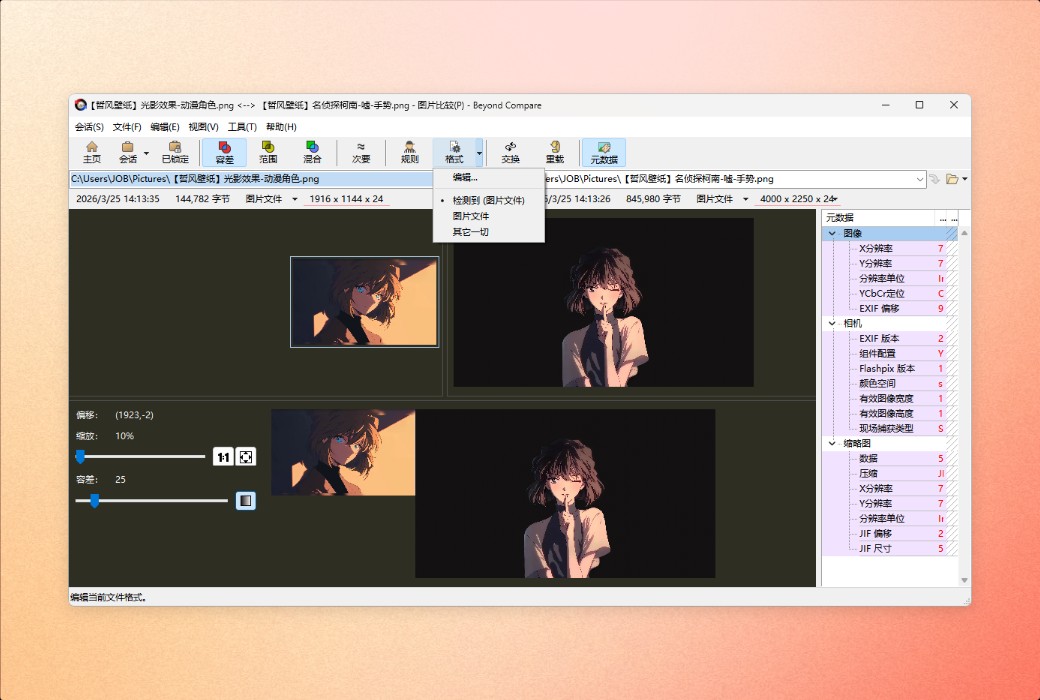
Access data anytime, anywhere. Once you find a specific file that interests you, Beyond Compare can intelligently choose the best way to compare and display it. Text files can be viewed and edited with syntax highlighting and comparison rules specially adjusted for documents, source code, and HTML. Data files, executable files, binary data, and images also have dedicated viewers, so you can always see changes clearly.
Merge folders and files
The merge view of Beyond Compare allows you to merge changes from two versions of files or folders into a single output. Its intelligent approach allows you to quickly accept most changes while carefully checking for conflicts.
You can directly use Beyond Compare from most version control systems, providing you with the powerful comparison and merge support you need the most. The integrated source control commands can be used to check in and out files without interrupting your work.
Color coding and partial highlighting allow you to easily accept, reject, or merge changes. When merging files, you can use the built-in syntax highlighting editor to change any line in the output. By using Beyond Compare's powerful file type support and tendency to accept changes to a single file, you can easily accept many changes without even needing to see them.
Synchronize position
The intuitive folder synchronization interface of Beyond Compare allows you to automatically reconcile differences in data. You can efficiently update your laptop, backup your computer, or manage your website, and Beyond Compare will handle all the details. You can use the same interface to copy to and from disks, FTP servers, and zip files. Any content you don't want to be affected by can be easily filtered out, and all powerful comparison techniques are available to make backups as fast or robust as possible.
官方网站:https://www.scootersoftware.com/home
下载中心:https://beyond-compare.apsgo.cn
发货时间:24 小时自动发货
运行平台:Windows、macOS、Linux
界面语言:支持中文界面显示,多语言可选。
更新说明:永久使用,子版本免费更新。
买前试用:购前可免费试用 30 天。
如何收货:购买后,激活信息会以邮件的形式发送到下单时的邮箱,同时可在个人中心,我的订单中查看对应的产品激活码。
设备数量:限个人多台设备安装。
更换电脑:原电脑无需卸载软件,可在新电脑直接激活。
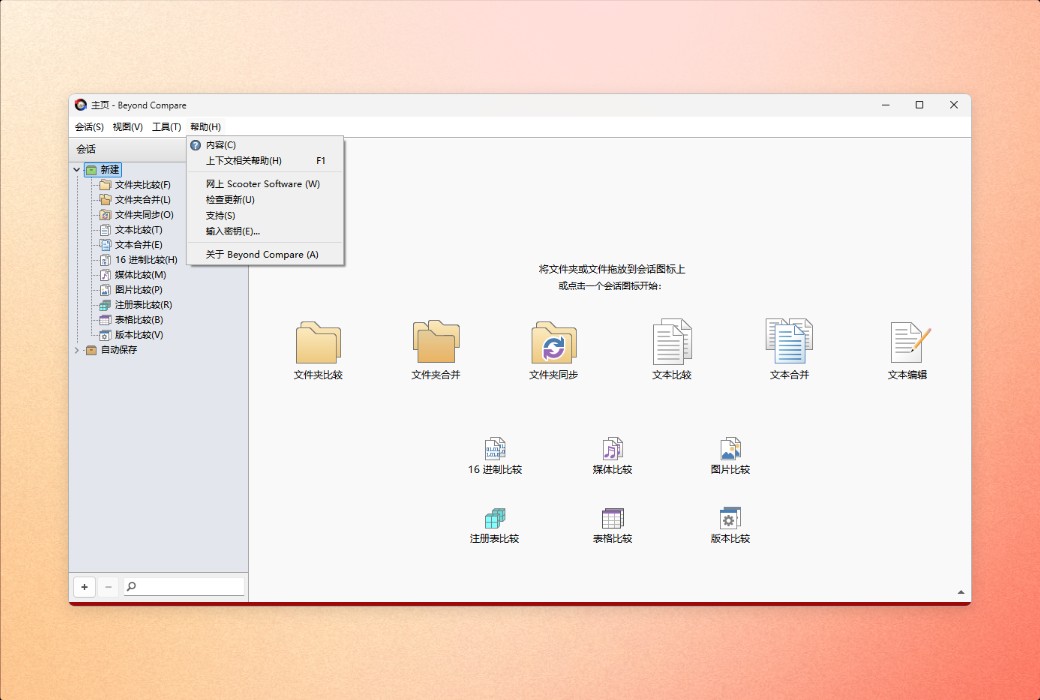
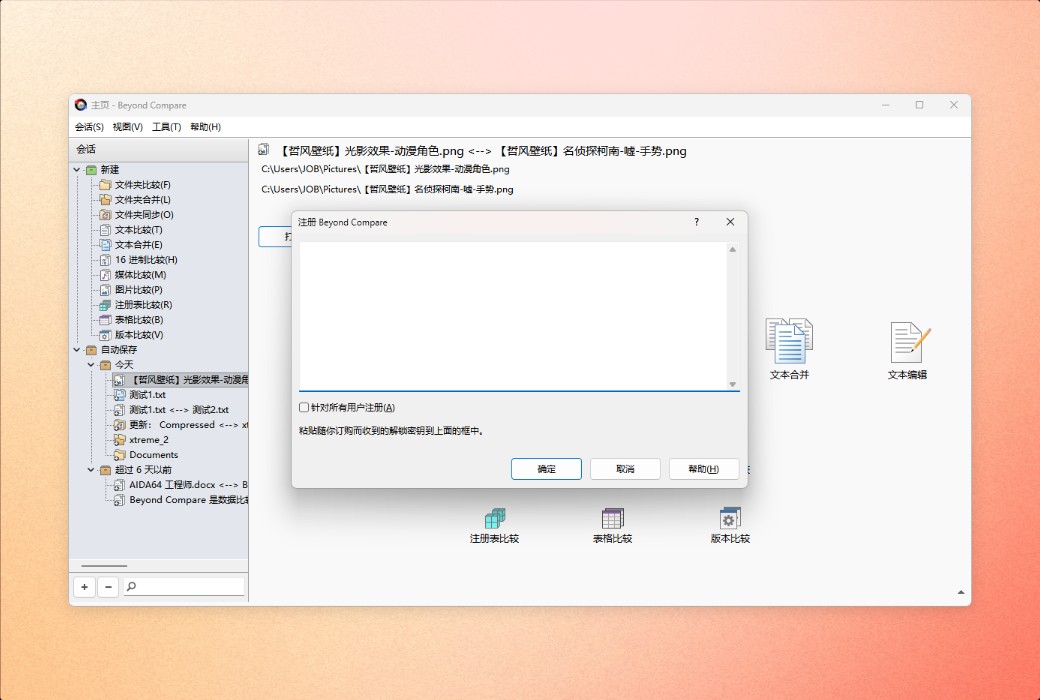
激活引导:打开软件,菜单栏点击帮助 > 输入密钥;
特殊说明:请注意 2022 年以后购买的都支持免费升级到 v5 版

Any question